
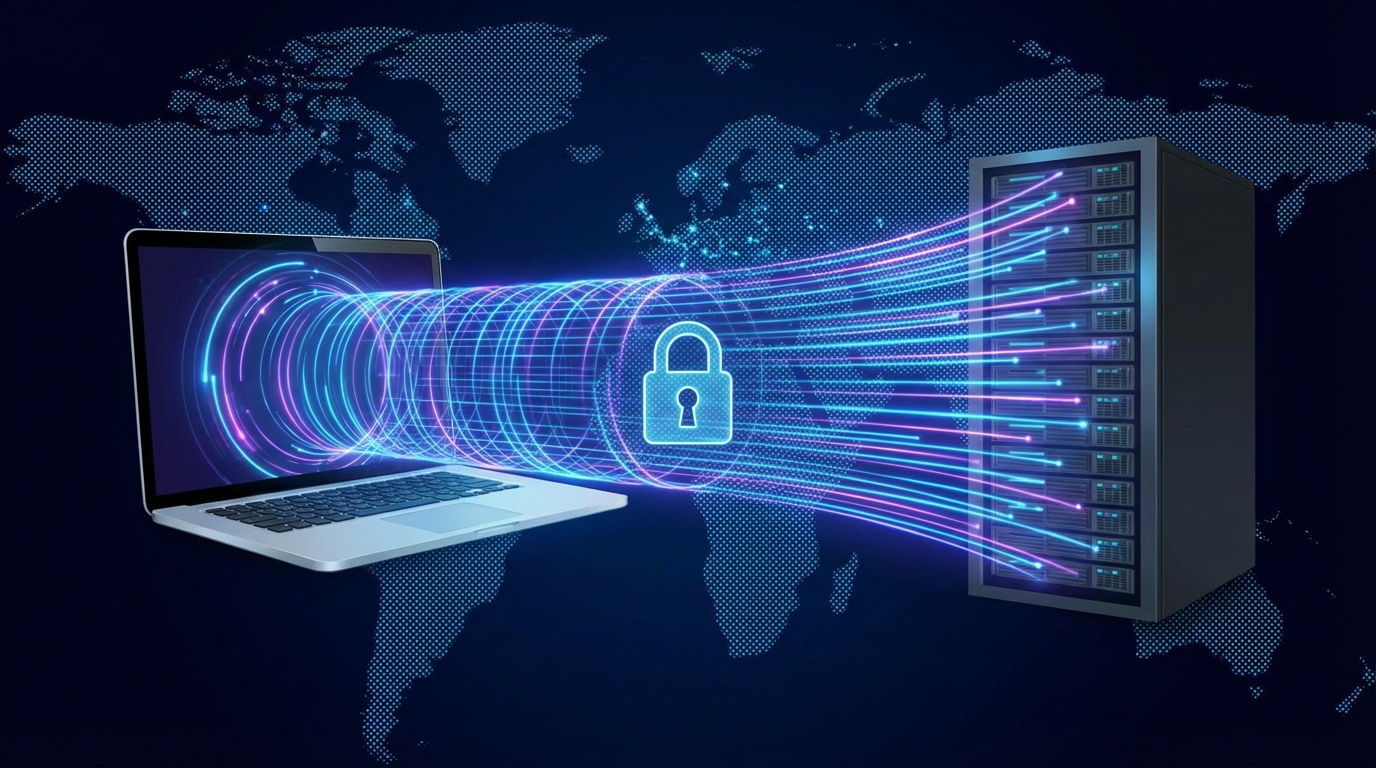
When it comes to choosing a VPN, one of the most common dilemmas is speed vs security. You want fast streaming, quick downloads, and smooth browsing — but you also want airtight privacy and protection from hackers. Unfortunately, cranking up one often seems to slow down the other. So, is there a sweet spot where you can enjoy both? Let’s dive deep into how to find the right VPN balance between speed and security without compromising your digital freedom.
Why Speed vs Security Is the Core VPN Trade-Off
A VPN’s job is simple in theory: it encrypts your data and hides your IP address. But this encryption process — while crucial for security — adds extra steps to your internet connection. The result? A slight delay. Every time your device sends or receives information, it first goes through the VPN server, where it’s encrypted before traveling to its destination.
That’s why VPNs are often seen as a trade-off between speed and security. The more secure the encryption, the more processing power and time it takes. But that doesn’t mean you have to choose one over the other. The trick lies in understanding how each factor works and what influences both.
Understanding How VPN Speed Works
Speed in a VPN depends on several factors, including server distance, protocol type, and bandwidth limits. Let’s break them down.
1. Server Distance
The farther your data has to travel, the slower your connection becomes. For instance, if you’re in New York but connected to a server in Tokyo, your packets of data take the long route around the globe. This extra distance can cause noticeable lag. To maximize speed, choose a VPN server closer to your actual location unless you need a specific region for access.
2. Protocol Type
VPN protocols are the blueprints that determine how your connection is encrypted and transmitted. Common ones include:
- OpenVPN: Highly secure but slightly slower due to strong encryption.
- WireGuard: Newer, faster, and still secure — ideal for balancing both sides.
- IKEv2/IPSec: Great for mobile devices, maintaining speed when switching networks.
Choosing the right protocol can make a huge difference when optimizing both speed and security.
3. Server Load and Bandwidth
Just like traffic on a highway, overloaded servers slow everyone down. Always check if your VPN provider displays real-time server loads or automatically connects you to the least crowded one. Some top-tier VPNs even use load-balancing technology to maintain consistent performance.
The Role of Security in VPN Performance
A VPN’s primary purpose is security — to create a private tunnel for your online activity. But how much security do you really need? The answer depends on what you’re doing online.
If you’re streaming Netflix, speed might take priority. But if you’re handling sensitive data, like banking or business transactions, then security outweighs speed. Understanding what affects VPN security helps you decide how much protection you need.
1. Encryption Strength
The industry standard is AES-256-bit encryption, which is virtually unbreakable. It’s excellent for protecting your data but slightly heavier on performance. However, some VPNs allow you to switch to AES-128-bit, which is still secure but a bit faster. It’s all about choosing the right level of encryption for your needs.
2. Kill Switches and Leak Protection
A kill switch automatically disconnects you from the internet if your VPN connection drops. This prevents accidental exposure of your real IP address. While these features don’t slow down your VPN, they do add a layer of reliability that enhances your overall security.
3. No-Logs Policies
Privacy is part of security. A reliable VPN should never record your browsing data or activity. Always check for an independently audited no-logs policy before trusting a provider. You can have a fast VPN, but without this assurance, your data could still be vulnerable.
Balancing Speed and Security: What Really Works
Finding harmony between speed and security isn’t about sacrificing one — it’s about configuration. Here’s how to make your VPN experience both safe and swift.
1. Use a Fast, Modern Protocol
If your VPN offers WireGuard or Lightway, enable it. These newer protocols are designed for efficiency, offering military-grade encryption with minimal speed loss. They can outperform older options like OpenVPN without compromising on protection.
2. Pick the Right Server
Many VPNs have “optimized servers” for streaming, gaming, or torrenting. These are strategically located and maintained for high-speed connections. When privacy is less critical, use these. When you need security (like on public Wi-Fi), switch to a dedicated secure server.
3. Avoid Free VPNs
Free VPNs often throttle speeds and sell user data to make money. They might even use weak encryption or share servers with hundreds of users. Investing in a reputable VPN ensures consistent speed and reliable protection — and that peace of mind is priceless.
4. Split Tunneling for Efficiency
Some VPNs offer split tunneling, letting you route only certain apps through the VPN while others use your normal connection. For instance, you could protect your browser traffic but let Spotify stream directly for faster playback. It’s the perfect middle ground between security and performance.
5. Connect to a Nearby Server
If you don’t need to appear in another country, choose the closest available server. This reduces latency and speeds up data transfer. Many VPN apps have a “smart connect” feature that automatically picks the fastest secure option for you.
When Speed Should Take Priority
There are times when speed matters most. If you’re gaming, streaming in HD, or video conferencing, even slight lags can ruin the experience. In these cases, you can safely dial down encryption strength without risking much.
For example, using AES-128-bit instead of AES-256-bit may speed things up with minimal security trade-off. Similarly, turning off double VPN or multi-hop features (which route your data through multiple servers) can give you a noticeable performance boost.
Just remember: these tweaks are best for low-risk activities. When privacy is crucial — like banking or sending confidential emails — always go full strength on security settings.
When Security Should Take Priority
On the flip side, security should always be your top concern in certain situations:
- When using public Wi-Fi, especially in airports or cafes
- While accessing sensitive accounts (e.g., online banking)
- When bypassing censorship in countries with strict internet laws
- If you frequently handle business or legal data
In these scenarios, enable all protection features, even if your speed dips a bit. The goal isn’t just privacy — it’s digital safety. One wrong connection on an unprotected network could expose passwords, financial data, or personal information.
How to Test Your VPN Speed and Security
To find the right balance, you need to test both aspects. Here’s how:
- Check your base speed. Run a speed test without the VPN.
- Connect to different servers. Measure how each affects your upload and download rates.
- Try different protocols. Switch between OpenVPN, WireGuard, or IKEv2 and note the results.
- Verify encryption. Use tools like DNSLeakTest.com or IPLeak.net to confirm your identity is truly hidden.
- Compare at different times. Peak hours can affect speed due to high server load.
These steps help you fine-tune your VPN settings for the perfect speed-security blend.
The Ideal VPN Setup: Real-World Example
Let’s say you’re a remote worker who frequently connects to public Wi-Fi at cafés. You need strong security but can’t afford constant buffering during video calls. The right VPN setup would be:
- Protocol: WireGuard for balanced performance.
- Encryption: AES-256-bit for maximum safety.
- Server: One close to your location.
- Feature: Split tunneling for business apps only.
This setup keeps your sensitive work data encrypted while allowing video calls to flow smoothly. It’s a practical example of striking the balance between speed and security in a VPN.
Conclusion: The Perfect VPN Is About Balance
When it comes to VPNs, you don’t have to choose between speed and security — you just need to optimize them intelligently. A good VPN gives you the flexibility to adjust settings based on what you’re doing. For everyday browsing or entertainment, prioritize speed. For sensitive tasks or public networks, prioritize security. The best VPNs offer both — it’s just a matter of using their tools wisely.
Remember, your online experience doesn’t have to be a tug of war. With the right VPN balance, you can enjoy the internet at full throttle — safely, smoothly, and confidently.
FAQ
1. Does stronger encryption always slow down a VPN?
Yes, stronger encryption like AES-256-bit can slightly reduce speed, but modern VPNs minimize this effect using efficient protocols.
2. Which VPN protocol offers the best balance of speed and security?
WireGuard is currently the best blend of speed and security, outperforming older protocols like OpenVPN without sacrificing safety.
3. Can I make my VPN faster without reducing security?
Yes. Connect to a nearby server, use split tunneling, or choose a less crowded server to boost speed while maintaining encryption.
4. Are free VPNs safe for balancing speed and security?
No. Free VPNs often compromise both by limiting bandwidth and selling user data. Paid services offer far better balance and reliability.
5. How can I test my VPN for both speed and safety?
Run speed tests on sites like Speedtest.net and check for leaks using DNSLeakTest.com to ensure both performance and protection are optimal.