
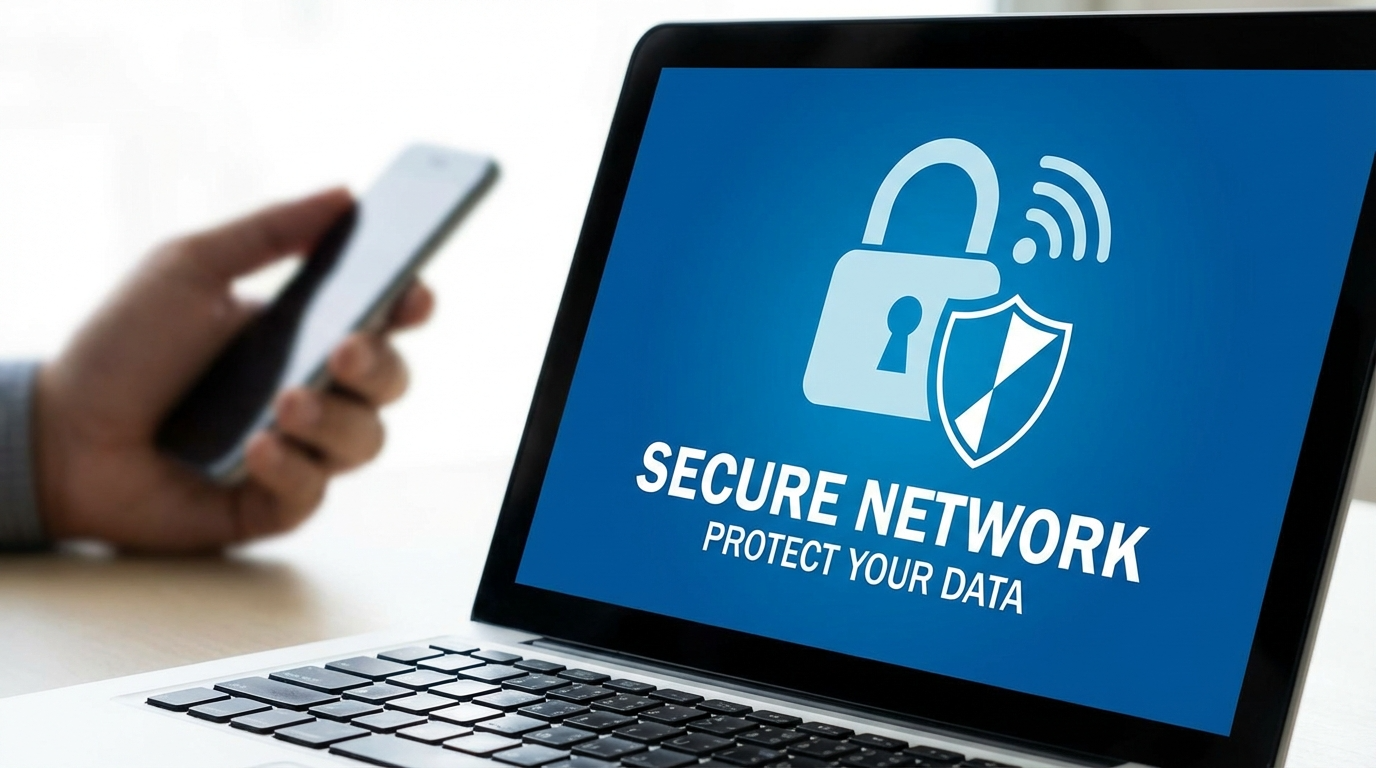
The life of a digital nomad is all about freedom — exploring new places while staying connected. Yet, with that freedom comes risk. Public Wi-Fi networks, though convenient, can be traps for hackers waiting to steal your data. This guide reveals the essential Wi-Fi safety tips every digital nomad should know to protect their privacy and stay safe online.
Understanding Wi-Fi Risks for Digital Nomads
Before you connect to that free café hotspot, take a moment to think. Public Wi-Fi is often unencrypted, meaning your data can be intercepted by cybercriminals with little effort.
Common Wi-Fi threats include:
- Man-in-the-middle attacks: Hackers intercept your online traffic.
- Fake networks: Imitation hotspots trick you into connecting.
- Data sniffing: Malicious users collect passwords and financial data silently.
Think of public Wi-Fi as a crowded street — the more people around, the more pickpockets there are. Following reliable Wi-Fi safety tips helps protect your digital wallet.
Tip 1: Use a VPN for Secure Wi-Fi Connections
A Virtual Private Network (VPN) encrypts your internet data, turning it into unreadable code. It’s one of the best Wi-Fi safety tips for anyone working remotely.
Choose a VPN that offers:
- Military-grade encryption (AES-256).
- No-log policies to ensure privacy.
- A kill switch to prevent exposure if the connection drops.
Trusted VPNs like NordVPN, ExpressVPN, and ProtonVPN are ideal for digital nomads who value privacy and speed. Using a VPN should be your first step to safer Wi-Fi access abroad.
Tip 2: Disable Auto-Connect and Bluetooth
Your device might automatically connect to familiar networks — a risky habit when traveling. Hackers can set up fake networks using the same names.
For better protection:
- Turn off auto-connect for Wi-Fi networks.
- Forget previously connected public hotspots.
- Disable Bluetooth and AirDrop when not needed.
This simple Wi-Fi safety step helps you stay in control of your connections and reduces exposure to digital traps.
Tip 3: Verify the Network Before You Log In
Never connect blindly to a Wi-Fi network, even if it looks familiar. Many hackers create near-identical names to deceive users.
To verify safely:
- Ask staff for the correct Wi-Fi name.
- Avoid open networks labeled “Free Wi-Fi.”
- Check for spelling errors or added symbols in the SSID.
A few seconds of verification can prevent hours of data recovery headaches.
Tip 4: Avoid Logging into Sensitive Accounts
Public Wi-Fi should never be used for financial transactions or confidential work. It’s one of the most vital Wi-Fi safety tips for digital nomads.
If you must access sensitive data:
- Use mobile data instead of public Wi-Fi.
- Only visit HTTPS websites.
- Avoid accessing online banking or payment portals on public networks.
When in doubt, wait until you’re on a trusted connection.
Tip 5: Enable Two-Factor Authentication
Even the best Wi-Fi safety practices can’t stop every cyberattack. Two-factor authentication (2FA) adds a strong backup layer of protection.
Here’s how it helps:
- If a hacker steals your password, they still need a second code.
- Authenticator apps like Google Authenticator or Authy work offline.
- It’s free, fast, and effective.
Think of 2FA as a security double-check before anyone can access your digital life.
Tip 6: Keep Devices and Apps Updated
Many cyberattacks target outdated software. Regular updates fix vulnerabilities that hackers exploit.
Stay safe by:
- Turning on automatic updates for your OS and apps.
- Keeping your browser current for secure browsing.
- Installing a reliable antivirus program for extra protection.
A quick update is an easy yet powerful Wi-Fi safety habit.
Tip 7: Use a Personal Hotspot for Reliable Security
When you can, rely on your own hotspot instead of public Wi-Fi. Your mobile data connection is encrypted and far safer.
For maximum security:
- Set a strong password on your hotspot.
- Turn it off when not in use.
- Avoid sharing your hotspot with strangers.
This Wi-Fi safety tip is especially valuable in airports, hostels, and shared spaces.
Tip 8: Protect Devices with Passwords and Encryption
Losing your laptop or phone can be as dangerous as a hack. Securing your devices prevents unauthorized access even if they’re stolen.
To enhance your security:
- Use strong, unique passwords or biometric locks.
- Encrypt your drives using built-in tools like BitLocker or FileVault.
- Enable Find My Device or remote wipe features.
Physical security and Wi-Fi safety go hand in hand when living the digital nomad lifestyle.
Tip 9: Watch Out for Fake Wi-Fi Portals
Some networks use deceptive login screens to collect your credentials. These fake portals can mimic hotel or café pages perfectly.
To stay safe:
- Confirm the network with staff before logging in.
- Check for HTTPS in the address bar.
- Avoid entering personal or payment information.
If the login page looks suspicious or unbranded, don’t proceed.
Tip 10: Use Antivirus and Firewalls for Added Wi-Fi Safety
Antivirus software and firewalls are your digital bodyguards. They detect and block malware before it reaches your system.
Look for antivirus tools that include:
- Real-time threat detection
- Safe browsing filters
- Ransomware protection
Top antivirus programs like Bitdefender, Norton 360, and Kaspersky offer strong protection without slowing down your device.
Stay Safe While Staying Connected
Being a digital nomad means working anywhere — but security should travel with you. By following these Wi-Fi safety tips, you can enjoy the world without worrying about data theft or privacy breaches.
Freedom is valuable. Protect it with smart habits, trusted tools, and a healthy dose of caution.
FAQ
1. Why are Wi-Fi safety tips important for digital nomads?
Public Wi-Fi is often insecure, making it easy for hackers to intercept data. Safety tips help protect personal and work information.
2. What’s the safest way to use public Wi-Fi?
Use a VPN, avoid financial transactions, and verify the network before connecting.
3. How can I tell if a Wi-Fi network is fake?
Ask staff for the correct name, look for HTTPS, and avoid generic names like “Free Wi-Fi.”
4. Should I use mobile data instead of Wi-Fi?
Yes, mobile data connections are encrypted and much safer than public Wi-Fi.
5. What’s the best VPN for digital nomads?
VPNs like NordVPN, ExpressVPN, and ProtonVPN offer top-tier security and performance for travelers.