
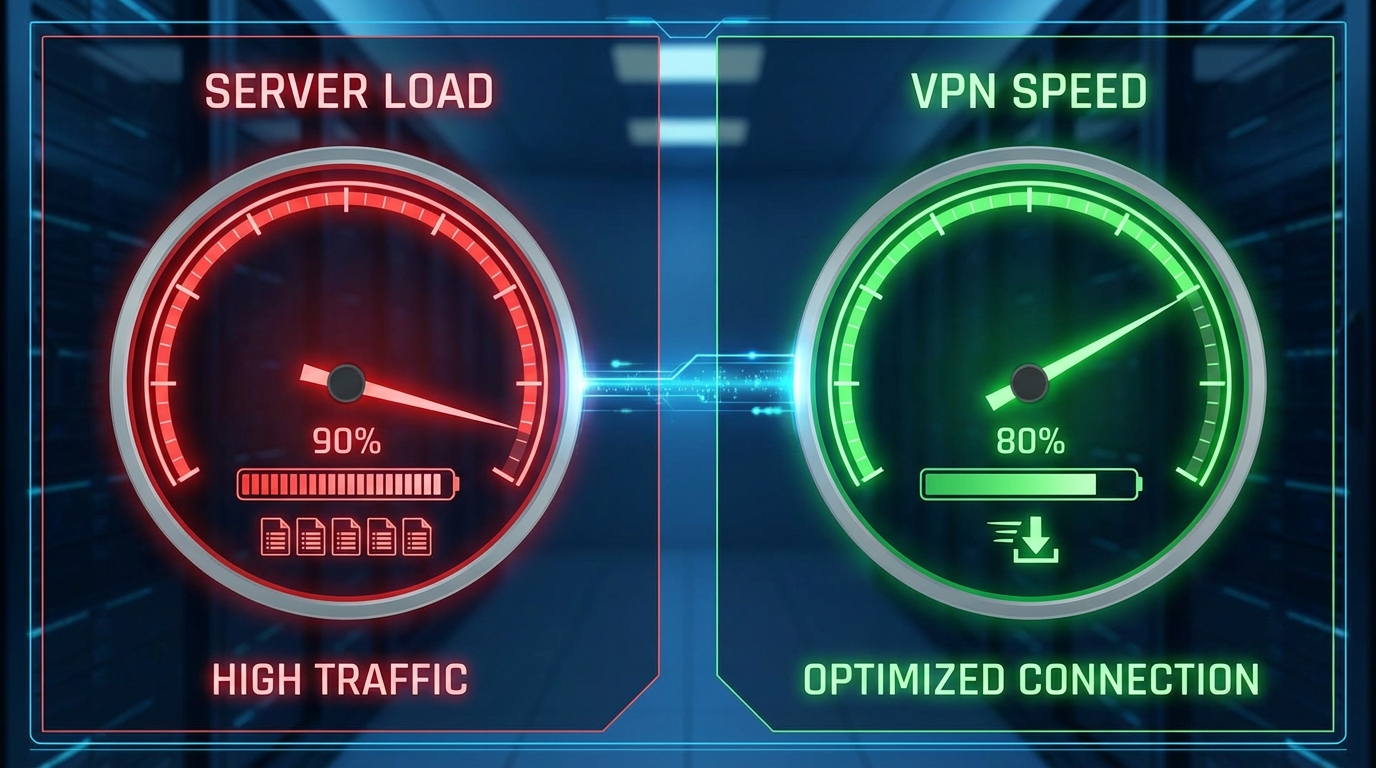
When your VPN slows down unexpectedly, frustration builds fast. Most users assume their internet provider or device is the issue—but often, the real cause is server load.
In this guide, you’ll learn how server load affects VPN speed, why it happens, and how to fix it for smoother, faster, and more reliable connections.
Understanding VPN Speed and Server Load
To understand server load VPN speed relationships, you need to know what impacts VPN performance. Your VPN speed depends on encryption strength, distance to the server, internet quality, and—most importantly—how crowded that server is.
Imagine a VPN server as a highway. When only a few cars are on it, traffic flows smoothly. But when too many users join at once, congestion slows everything down.
What Is Server Load and Why It Affects VPN Speed
Server load represents how much data and activity a VPN server is handling at any given moment. It’s often displayed as a percentage (like 40%, 80%, or 95%).
When the server load is high, the VPN must share its limited resources among many users. This slows down data transfer, increases ping times, and causes connection drops.
Put simply, a higher server load equals slower VPN speed—one of the most common reasons for poor performance.
How Server Load Impacts VPN Speed
The connection between server load and VPN speed becomes clear once you understand the technical effects.
1. Higher Latency and Ping Time
When servers are overloaded, latency increases. This means longer wait times for your data to travel to and from the server, causing lag during gaming or buffering when streaming.
2. Bandwidth Bottlenecks
VPN servers have limited bandwidth. When too many users connect, your share of that bandwidth shrinks. It’s like splitting one pie among dozens of people—the more users, the less you get.
3. Dropped or Unstable Connections
An overworked server may struggle to maintain stable connections. That’s why you might experience random disconnections or erratic speed shifts.
4. Poor Routing Efficiency
Without proper load balancing, your data might take longer, inefficient routes to reach its destination, reducing speed even further.
Why VPN Server Load Changes Throughout the Day
Just like a highway has rush hours, VPN server load fluctuates depending on when and where users connect.
During evenings or weekends, when people stream, browse, or game, servers near urban areas become congested. Conversely, early mornings or late nights often provide the smoothest experience.
Server load spikes also occur because of:
- Major sports events or global broadcasts.
- High demand in specific regions with limited server options.
- Free VPN users crowding limited infrastructure.
Understanding this timing helps you pick the best connection window for top VPN speeds.
How to Check Server Load Before Connecting
Many VPN apps let you view server load data directly in their interface. Knowing this helps you choose the fastest server.
When browsing server lists:
- Select servers with less than 60% load.
- Avoid servers marked as “busy” or “high load.”
- Try nearby countries if your local servers are crowded.
VPNs like NordVPN, ExpressVPN, and ProtonVPN display live load metrics, letting you make smarter choices for faster speeds.
Tips to Improve VPN Speed When Server Load Is High
If your connection slows down, don’t panic—here are simple ways to boost VPN speed when server load becomes a problem.
1. Choose a Lower-Load Server
Manually connect to a server with fewer users. Closer servers often perform best because your data travels a shorter distance.
2. Use Faster Protocols
Switch to modern VPN protocols like WireGuard or IKEv2, which offer high-speed encryption with minimal overhead.
3. Disconnect and Reconnect
Sometimes reconnecting triggers the VPN’s smart server selector, routing you to a less crowded option automatically.
4. Avoid Peak Hours
Try connecting during non-peak hours to bypass regional congestion and improve speed instantly.
5. Upgrade to a Premium VPN
Free VPNs often suffer from chronic overload due to limited capacity. Premium providers invest in more servers and advanced load management.
For more performance insights, visit https://www.vpninsights.com/ to compare VPN infrastructures and features.
The Role of Load Balancing in VPN Performance
A high-quality VPN manages server load intelligently using load balancing technology. This system distributes users evenly across servers to prevent overcrowding.
Key load balancing methods include:
- Smart routing to automatically assign low-load servers.
- Dynamic adjustments that reallocate users when loads shift.
- Geo-optimization connecting you to the nearest, fastest server.
Without this system, users often end up on congested servers even when others sit nearly empty, hurting VPN speed and reliability.
Does Server Load Always Mean Slow VPN Speed?
Not always. Some servers handle high loads well if they have large bandwidth capacity and modern hardware.
A VPN server at 70% load might still outperform a low-load server if it’s closer to your location or uses a more efficient protocol.
Ultimately, the balance between distance, load, and infrastructure determines how well your VPN performs.
Conclusion
So, does server load impact VPN speed? Absolutely. Overcrowded servers slow down your connection, cause lag, and lead to instability. But with the right habits—like checking load, choosing smarter servers, and using faster protocols—you can stay ahead of these slowdowns.
Think of it as picking the fastest lane on a digital highway. Once you understand how server load shapes VPN speed, you’ll know exactly where to drive for the smoothest, most secure experience online.
FAQ
1. How does server load affect VPN speed?
High server load means many users share limited bandwidth, reducing your VPN speed and increasing latency.
2. How can I find a VPN server with low load?
Look inside your VPN app. Most premium services show load percentages beside each server name.
3. Why does my VPN slow down at night?
Evenings are peak hours when server loads rise due to heavy streaming and gaming activity.
4. Can distance and load both affect VPN speed?
Yes. Distant servers increase latency, and high load limits bandwidth—both reduce VPN performance.
5. Do premium VPNs solve server load issues?
Yes. Paid VPNs offer larger networks, better infrastructure, and load balancing for consistent high-speed connections.