
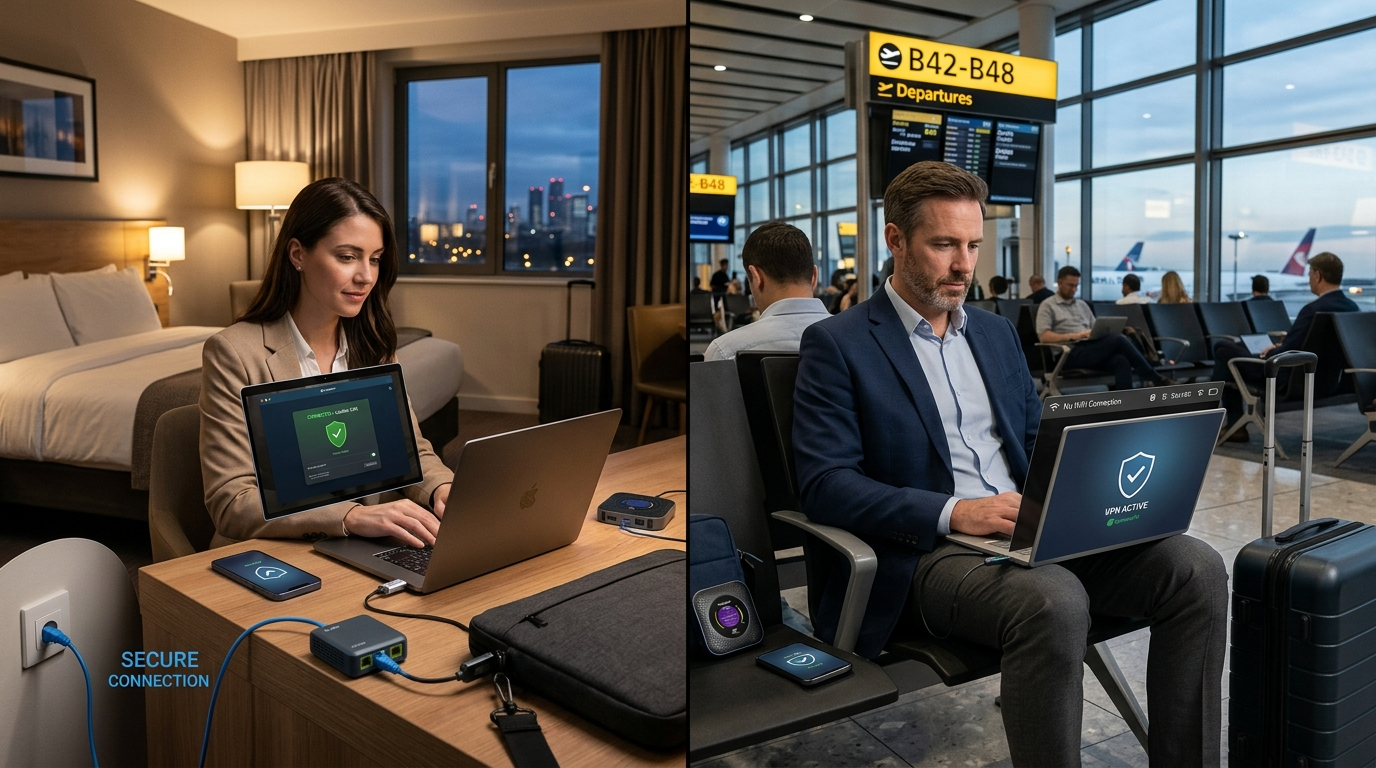
Travel exposes your devices to unfamiliar networks and crowded environments. Therefore, learning how to stay digitally safe in hotels and airports is essential for protecting personal and financial information. Public Wi-Fi offers convenience, yet it also attracts cybercriminals searching for easy targets.
When you connect to hotel or airport networks, your data may travel through unsecured routers. Hackers often exploit weak encryption, fake hotspots, or careless browsing habits. However, with the right precautions, you can significantly reduce your exposure.
In this guide, you will discover practical steps to protect your devices, secure your accounts, and confidently stay digitally safe in hotels wherever you travel.
Why Hotels and Airports Are High-Risk Locations
Travel hubs handle thousands of connections daily. Because of this heavy traffic, cybercriminals blend easily into the crowd.
Open Wi-Fi networks often lack strong encryption. As a result, attackers can intercept data through packet sniffing tools. Additionally, criminals create fake networks that mimic official hotel or airport Wi-Fi names.
Moreover, travelers frequently access sensitive accounts while booking transport or checking banking apps. This combination of distracted users and open networks increases vulnerability.
Understanding these risks helps you stay digitally safe in hotels by recognizing threats before connecting.
Use a Trusted VPN Immediately
A virtual private network encrypts your internet traffic. Therefore, it prevents others from reading your data even on unsecured networks.
Before logging into email or social media, activate your VPN. This ensures encryption begins the moment you connect.
Choose a reputable provider with strong encryption standards and automatic kill switch features. These tools protect your IP address if the connection drops unexpectedly.
Using a VPN consistently allows you to stay digitally safe in hotels and airports without relying solely on network security.
Verify Official Wi-Fi Networks
Always confirm the correct network name with hotel staff or airport information desks. Hackers often set up fake hotspots with similar names.
For example, “Airport_Free_WiFi” may appear legitimate but could be malicious. Therefore, double-check spelling and capitalization.
Once connected, disable automatic Wi-Fi reconnection on your device. This prevents accidental connections in the future.
Careful verification helps you stay digitally safe in hotels by avoiding deceptive networks.
Enable Two-Factor Authentication
Two-factor authentication adds an extra security layer. Even if someone steals your password, they cannot access your account without the second verification step.
Most online platforms support authentication apps or hardware keys. Although SMS codes work, app-based authentication offers stronger protection.
Additionally, enable login alerts for critical accounts. These notifications inform you immediately of suspicious access attempts.
By strengthening account security, you reinforce your ability to stay digitally safe in hotels and public terminals.
Keep Devices Updated Before Traveling
Before leaving home, install the latest updates for your operating system and apps. Software updates patch vulnerabilities that hackers exploit.
Enable automatic updates whenever possible. Additionally, update antivirus software to detect emerging threats.
Outdated devices increase your exposure significantly. Therefore, preparation before travel is crucial to stay digitally safe in hotels and airports.
Avoid Accessing Sensitive Accounts on Public Wi-Fi
Whenever possible, avoid online banking or financial transactions on shared networks. Although encryption helps, minimizing exposure reduces risk further.
If urgent access is necessary, confirm your VPN connection first. Then ensure the website uses HTTPS encryption.
Log out of accounts completely after each session. Do not leave tabs open while stepping away from your device.
Practicing caution supports efforts to stay digitally safe in hotels and crowded airport lounges.
Turn Off Sharing Features
File sharing, printer sharing, and AirDrop can expose your device to nearby users. Therefore, disable these features before connecting to public networks.
On Windows and macOS, select “public network” settings to limit discoverability. This prevents strangers from seeing your device.
Similarly, turn off Bluetooth when not in use. Attackers sometimes exploit open Bluetooth connections.
These simple adjustments help you stay digitally safe in hotels by reducing unnecessary exposure points.
Be Aware of Shoulder Surfing
Physical security matters as much as digital protection. Shoulder surfing occurs when someone nearby observes your screen.
Position your laptop carefully and avoid displaying sensitive information openly. Privacy screen filters block side-angle visibility effectively.
Additionally, lock your screen whenever you step away. Even short breaks create opportunities for unauthorized access.
Remaining vigilant strengthens your ability to stay digitally safe in hotels and busy airport environments.
Use Personal Hotspots When Possible
Mobile hotspots provide a more secure alternative to public Wi-Fi. Cellular networks generally use stronger encryption than open hotspots.
Although this option consumes mobile data, it offers greater control over your connection.
Business travelers often rely on personal hotspots for important tasks. Whenever feasible, use this approach to stay digitally safe in hotels.
Recognize Phishing Attempts
Travel often involves booking confirmations and itinerary updates. Consequently, phishing emails may appear legitimate.
Examine sender addresses carefully. Avoid clicking suspicious links without verifying authenticity.
Hover over links to preview the destination URL. If the domain looks unusual, do not proceed.
Awareness of phishing tactics improves your ability to stay digitally safe in hotels and airport networks.
Use Strong, Unique Passwords
Weak passwords increase vulnerability across multiple accounts. Instead, create long combinations of letters, numbers, and symbols.
Password managers help generate and store complex credentials securely. They also reduce the temptation to reuse passwords.
Avoid logging into unnecessary accounts while traveling. Limiting exposure further supports your effort to stay digitally safe in hotels.
Log Out and Forget Networks After Use
After finishing your online session, disconnect from the network. Then remove it from your saved connections list.
This prevents automatic reconnection during future visits.
Additionally, clear browsing history and close open sessions before shutting down your device.
Following these steps helps you stay digitally safe in hotels long after checkout.
Monitor Accounts After Traveling
Even with precautions, monitoring accounts remains important.
Check bank statements and login histories regularly after returning home. Enable alerts for unusual transactions.
If you detect suspicious activity, change passwords immediately and notify service providers.
Ongoing monitoring ensures you continue to stay digitally safe in hotels even after your trip ends.
Create a Travel Security Routine
Security becomes easier when it becomes habit.
Before connecting, enable your VPN. During your session, avoid sensitive activity. Afterward, disconnect and log out.
Consistent routines transform digital safety into second nature. Therefore, practice these steps every time you travel.
Developing these habits ensures you stay digitally safe in hotels wherever your journey takes you.
The Future of Travel Cybersecurity
As travel increases globally, cyber threats evolve.
Hotels now invest in stronger encryption and segmented guest networks. Airports also improve security standards.
However, personal responsibility remains essential. Technology cannot replace careful user behavior.
By staying informed and proactive, you can confidently stay digitally safe in hotels and airports worldwide.
Final Thoughts on Travel Security
Travel offers excitement and opportunity. Yet it also introduces digital risks that many overlook.
Fortunately, simple habits dramatically reduce exposure. By using VPNs, verifying networks, and enabling multi-factor authentication, you protect your data effectively.
Stay digitally safe in hotels by combining awareness with practical tools. Small actions today prevent major issues tomorrow.
Ultimately, safeguarding your digital footprint ensures stress-free travel experiences wherever you go.
FAQ
- Why is hotel Wi-Fi considered risky?
Hotel networks often lack strong encryption, making them targets for cybercriminals. - Is a VPN necessary in airports?
Using one significantly improves privacy by encrypting your internet traffic. - Can hackers access my passwords on public Wi-Fi?
Without encryption, attackers may intercept login credentials through monitoring tools. - Are mobile hotspots safer than hotel networks?
Yes, cellular connections generally offer stronger security than open public Wi-Fi. - What should I do after using public Wi-Fi while traveling?
Disconnect from the network, remove saved connections, and monitor account activity for unusual behavior.