
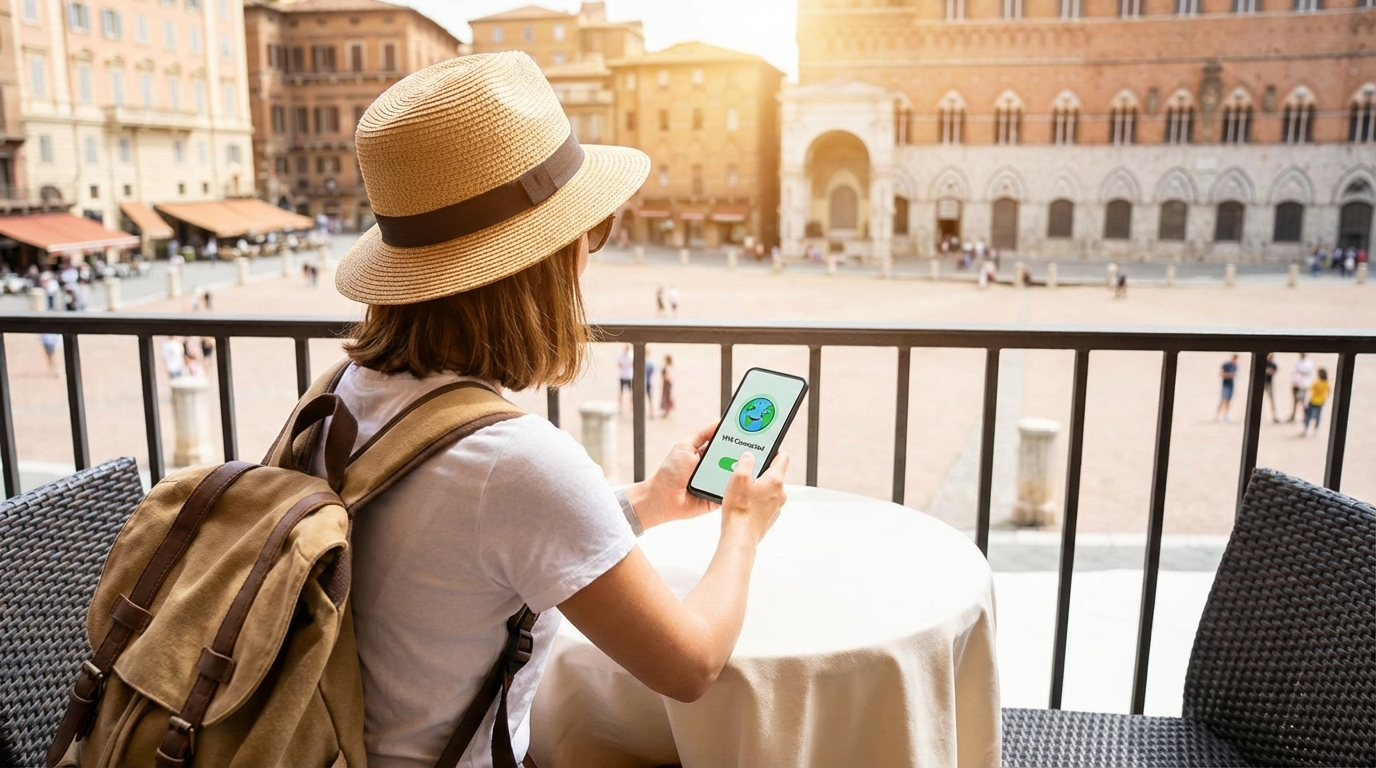
Ever landed in another country only to find your favorite apps or streaming services blocked? It’s frustrating when you can’t access the content you love just because you’re abroad. Whether it’s a show on Netflix, a live game, or even social media, content restrictions can make your trip less enjoyable. Fortunately, learning how to unblock content abroad on your phone is easier than you might think.
In this guide, you’ll discover practical, safe, and effective ways to regain full access to your favorite sites and apps no matter where you travel. Let’s dive in.
Why Content Gets Blocked Abroad
Before learning how to unblock content abroad, it helps to understand why it happens in the first place. Many online services restrict access based on your location. This is called geo-blocking, and it’s common among streaming platforms, news sites, and even social media networks.
For example, Netflix, Hulu, and BBC iPlayer each offer different content libraries depending on your region. Licensing laws and broadcasting rights vary from one country to another, meaning what’s available at home may be unavailable abroad.
Some countries also have strict censorship laws that block access to certain websites or platforms. In places with tighter internet control, even communication tools like WhatsApp or Facebook might be restricted.
The good news? There are legitimate, easy-to-use tools that let you unblock websites abroad safely without breaking laws or putting your data at risk.
Use a VPN to Unblock Content
The most effective and reliable way to unblock content abroad is by using a Virtual Private Network (VPN). A VPN encrypts your internet traffic and routes it through servers in different countries. This tricks websites and apps into thinking you’re browsing from your home location.
Let’s say you’re in Spain but want to access a U.S. Netflix show. By connecting to a VPN server in the United States, your phone appears to be in the U.S.—unlocking your full content access again.
Here’s how to do it:
- Choose a reputable VPN provider. Look for VPNs known for reliability and security, such as NordVPN, ExpressVPN, or Surfshark.
- Download the app. Install it from your phone’s app store (Google Play or Apple App Store).
- Sign in and connect to a server. Pick a country where your desired content is available.
- Access your content. Open your streaming or social media app—it should now work seamlessly.
Most premium VPNs also include features like kill switches, DNS leak protection, and strong encryption. These ensure your identity stays safe while you unblock content abroad.
Free VPNs vs. Paid VPNs
It can be tempting to grab a free VPN, but it often comes with risks. Free VPNs may:
- Log and sell your data.
- Have slower speeds due to limited servers.
- Fail to bypass stronger geo-blocks.
Paid VPNs are generally faster, safer, and more consistent. They also offer better customer support and more server locations, which matters when you’re trying to unblock apps abroad across multiple countries.
Smart DNS: A Faster Alternative
If your main goal is streaming, a Smart DNS service is another good option. Unlike VPNs, Smart DNS doesn’t encrypt your data. Instead, it reroutes specific parts of your traffic to trick streaming services into thinking you’re in a different location.
This means you can enjoy faster speeds—ideal for HD streaming. However, since it lacks encryption, it doesn’t provide the same level of privacy protection as a VPN.
Smart DNS services like Unlocator or SmartDNSProxy are easy to set up on your phone. Most providers offer guides for iOS and Android devices, and you can often switch between regions in seconds.
Using a Proxy Server on Your Phone
Another way to unblock websites abroad is by using a proxy server. A proxy acts as an intermediary between your phone and the website you’re trying to access. Like a VPN, it can mask your IP address and make it appear as though you’re in another country.
However, proxies are typically browser-based and less secure. They don’t encrypt your data, making them less ideal for sensitive information. Still, if you only need to read region-locked news or browse blocked social platforms, a proxy can work in a pinch.
To set one up:
- Open your phone’s network settings.
- Choose your Wi-Fi connection and tap “Proxy Settings.”
- Enter the proxy address provided by a trusted proxy service.
While effective for quick browsing, remember that proxies don’t offer full security like VPNs.
Unblock Apps with Browser Extensions
If you prefer using your phone’s browser, some VPNs and proxy providers offer browser extensions. These lightweight tools work directly inside Chrome, Firefox, or Safari, allowing you to quickly switch regions.
Extensions are great for occasional use—say you just want to check your hometown news site—but they’re not ideal for streaming or using multiple apps simultaneously.
They also lack full-device protection. Only your browser traffic goes through the proxy or VPN extension, leaving other apps exposed. For travelers who want complete access to all apps, a full mobile VPN is the better option.
Public Wi-Fi and Restricted Networks
When abroad, you’ll likely rely on hotel or airport Wi-Fi. Unfortunately, these networks often block streaming or social sites to conserve bandwidth. This adds another layer of restriction, even if the country itself doesn’t impose blocks.
To bypass these local restrictions, use your VPN as soon as you connect to public Wi-Fi. The encrypted connection will mask your browsing activity and help you access blocked sites safely.
Avoid logging into sensitive accounts like online banking when on unsecured Wi-Fi unless your VPN is active. It’s not just about accessing entertainment—it’s about protecting your privacy while you do.
How to Stay Secure While Unblocking Content
It’s one thing to access your favorite sites, but another to stay safe while doing it. Here are a few key security tips to remember when you unblock content abroad:
- Always use HTTPS websites. They encrypt your connection, even without a VPN.
- Keep your VPN app updated. This ensures you have the latest security patches.
- Avoid free Wi-Fi without protection. Always turn on your VPN first.
- Don’t log into sensitive accounts through proxies. Stick to encrypted VPNs for personal data.
Combining these steps helps you access your favorite content and stay protected from data theft, tracking, or malware.
Common Mistakes to Avoid
When trying to unblock content abroad, many travelers make a few avoidable mistakes:
- Using low-quality VPNs that get detected and blocked by major streaming services.
- Forgetting to clear cookies—old location data can still give away your region.
- Not testing connections before travel. Always make sure your VPN or Smart DNS works at home before you leave.
- Relying solely on browser-based tools. Apps like Netflix often detect those easily.
Avoid these pitfalls, and you’ll enjoy smooth, unrestricted access wherever you go.
Best Practices for Consistent Access
To keep your connection stable while abroad, remember to:
- Use servers geographically close to your actual location for faster speeds.
- Restart your VPN or clear app cache if a site stops working.
- Switch between multiple servers when one gets blocked.
- Keep your app permissions minimal for better privacy.
A little preparation goes a long way when maintaining consistent, fast access to your favorite content.
Conclusion
Learning how to unblock content abroad on your phone isn’t just about convenience—it’s about freedom and privacy. Whether you choose a VPN, Smart DNS, or proxy, the key is using secure, reliable tools that protect your data while giving you full access to the internet.
So next time you travel, don’t let geo-blocks ruin your plans. Prepare your phone, install the right app, and explore the online world without limits. After all, your digital life should travel with you—wherever you go.
FAQ
1. Can I legally use a VPN to unblock content abroad?
Yes. VPNs are legal in most countries. However, always check local regulations before use, as some regions may restrict VPN access.
2. Will using a VPN slow down my internet speed?
Slightly, yes. Since VPNs encrypt your traffic, some speed loss is normal. Premium VPNs minimize this and maintain fast streaming speeds.
3. Can I use a free VPN to unblock sites?
You can, but it’s not recommended. Free VPNs often limit bandwidth, track your data, or fail to unblock major streaming platforms.
4. Do Smart DNS services work on mobile phones?
Yes. Most Smart DNS providers offer setup guides for Android and iOS devices, letting you access geo-blocked streaming sites easily.
5. How can I watch Netflix shows from my home country while abroad?
Install a VPN, connect to a server in your home country, and reopen Netflix. You’ll see your original library again without restrictions.